
Online Class Platform Finder
Not sure where to start? Answer these four questions and we'll point you to the platform that fits your goals and budget.
Choosing the right platform for online classes can feel like navigating a maze. You have Coursera on one side, Udemy on the other, and then there’s edX, Skillshare, and even YouTube. Each claims to be the best, but "best" is a relative term that depends entirely on your goals, budget, and learning style. Are you looking for a university-backed certificate? A quick skill hack? Or a structured degree program? The answer changes drastically based on what you need.
This guide cuts through the marketing noise. We’ll break down the top contenders in the e-learning space, analyzing their strengths, weaknesses, and ideal use cases. By the end, you’ll know exactly where to spend your time and money to get the most out of your digital education.
Understanding Your Learning Goal
Before you sign up for anything, define why you are learning. This single question filters out 80% of irrelevant options. Most learners fall into three buckets: career advancement, hobby acquisition, or academic credentialing.
- Career Advancement: You need recognized skills or certifications to get hired or promoted. Here, brand recognition and industry relevance matter more than price.
- Hobby Acquisition: You want to learn guitar, photography, or Python for fun. Flexibility and low cost are key.
- Academic Credentialing: You need a formal diploma or degree. Accreditation and transferability of credits are non-negotiable.
If you mix these up, you’ll likely end up frustrated. For example, buying a $20 Udemy course won’t help much if a recruiter specifically looks for a Google Data Analytics Certificate. Conversely, paying $5,000 for an executive MBA when you just want to learn Excel is overkill.
The Big Three: Coursera, edX, and Udacity
These platforms partner with universities and major corporations. They offer structured specializations and professional certificates. If you care about how your learning looks on a resume, start here.
Coursera
Coursera is a global online learning platform that partners with leading universities and companies to offer courses, professional certificates, and degrees. It is known for its breadth and quality control. Partners include Stanford University, Yale, IBM, and Google. The platform uses a subscription model called Coursera Plus, which gives unlimited access to thousands of courses for a monthly fee. Alternatively, you can pay per course or audit for free (without a certificate).
Coursera shines in business, data science, and computer science. Their AI Specialization from DeepLearning.AI and the Google Project Management Certificate are highly regarded in the industry. The downside? It can be expensive if you don’t use financial aid or scholarships. However, the content is rigorous, often requiring graded assignments and peer reviews.
edX
edX is an online learning platform founded by Harvard University and MIT that offers courses, micro-masters, and full online master's degrees. Like Coursera, it focuses on academic rigor. edX is particularly strong in STEM fields, humanities, and social sciences. Many courses are free to audit, but verified certificates cost extra. Recently, edX has pushed hard into offering full online degrees, such as the Master of Science in Computer Science from UT Austin.
Choose edX if you prefer a more academic, professor-led experience. The interface is clean, and the community forums are active. However, the selection of vocational or creative arts courses is smaller compared to competitors.
Udacity
Udacity is an online education provider focused on technology, engineering, and design, offering Nanodegree programs that combine video lectures with hands-on projects. Udacity targets tech careers specifically. Their Nanodegrees in AI, Data Engineering, and Web Development are project-heavy. Instead of multiple-choice quizzes, you build real applications and submit them for code review by mentors.
This makes Udacity excellent for developers who want a portfolio. But it’s not for passive learners. You need to put in serious work. Pricing is high, typically around $400-$500 per month, though they often run promotions. If you’re not committed to a tech career path, this might be too intense and pricey.
Skill-Based Learning: Udemy and Skillshare
Not everyone needs a university seal. Sometimes, you just need to know how to edit video, manage a small business, or play the piano. That’s where marketplaces come in.
Udemy
Udemy is an open marketplace where anyone can create and sell online courses, covering topics from coding to cooking. The sheer volume is staggering-over 200,000 courses. Because instructors set their own prices, you can find high-quality courses for $10-$20 during sales. There are no formal certificates (though completion certificates exist), so employers may not value them as much as Coursera or edX credentials. However, for self-paced skill building, it’s unbeatable in terms of variety and affordability.
The catch? Quality varies wildly. One instructor might be an industry expert; another might be a random person with a webcam. You must read reviews carefully and check the instructor’s background before buying. Look for courses with recent updates and high ratings (4.5+ stars) from hundreds of students.
Skillshare
Skillshare is a subscription-based learning platform focused on creative and professional skills, including graphic design, photography, and entrepreneurship. Unlike Udemy, where you buy individual courses, Skillshare operates on a membership model. You pay a monthly or annual fee and get unlimited access to all classes. It’s perfect for creatives who want to dabble in multiple disciplines. The videos are usually shorter and less formal, making them easy to digest. If you’re a designer, photographer, or writer, this is likely your best bet.
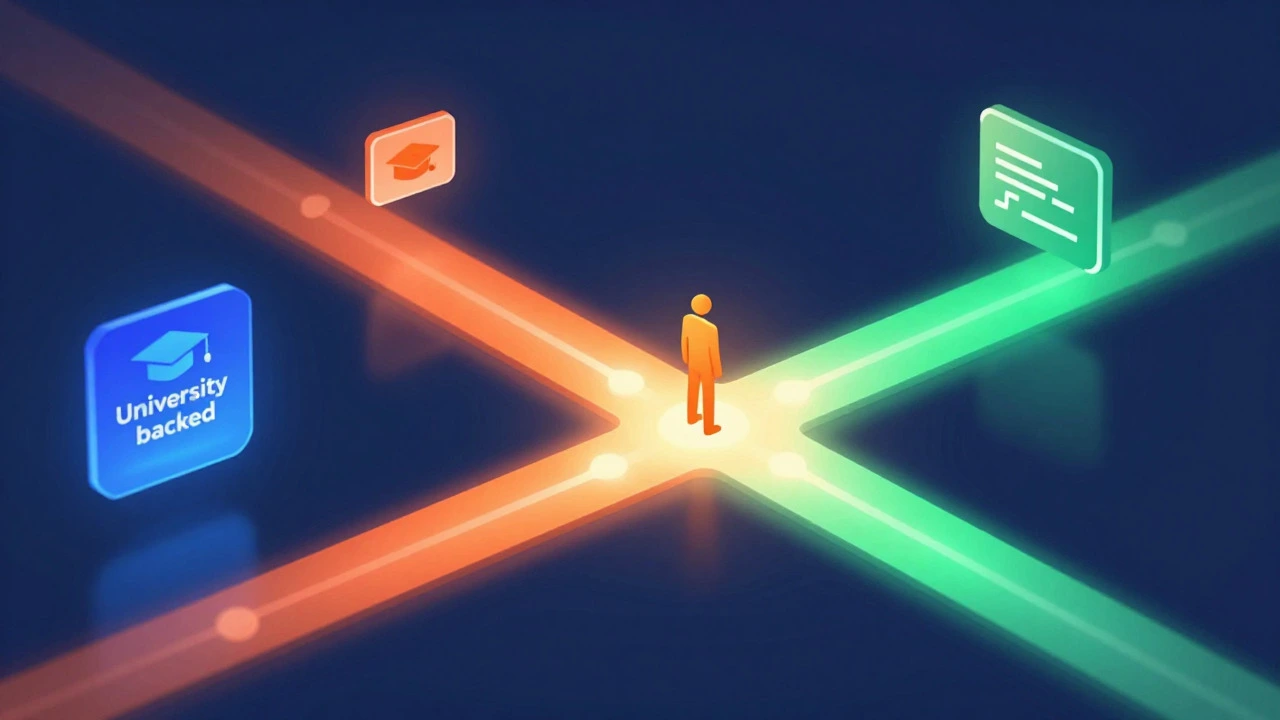
Comparison Table: Key Features at a Glance
| Platform | Best For | Pricing Model | Certificate Value | Content Style |
|---|---|---|---|---|
| Coursera | Career Switching, Academic Certs | Subscription or Per-Course | High (University/Corp backed) | Structured, Graded Assignments |
| edX | STEM, Degrees, Academic Rigor | Free Audit / Paid Verified | High (University backed) | Academic, Professor-Led |
| Udacity | Tech Careers, Portfolio Building | Monthly Subscription | Medium-High (Industry focused) | Project-Based, Mentorship |
| Udemy | Hobbies, Specific Skills, Budget | Per-Course Purchase | Low (Completion only) | Varies, Self-Paced Videos |
| Skillshare | Creative Arts, Design, Writing | Monthly/Annual Subscription | Low (Completion only) | Short, Informal Tutorials |
How to Choose: A Decision Framework
Still stuck? Use this simple decision tree to narrow down your options.
- Do you need a formal credential?
- Yes → Go to Coursera, edX, or accredited universities.
- No → Proceed to step 2.
- Is it a technical/coding skill?
- Yes → Consider Udacity for mentorship or Coursera for theory. Udemy is great for specific tools (e.g., "Learn React").
- No → Proceed to step 3.
- Is it a creative or soft skill?
- Yes → Skillshare is ideal for design/writing. Udemy works for photography or public speaking.
- No → Try LinkedIn Learning for corporate-focused soft skills.
Budget also plays a role. If you’re tight on cash, look for financial aid on Coursera or wait for Udemy sales (which happen almost every week). If you plan to take many courses, a subscription model like Coursera Plus or Skillshare will save you money in the long run.

Common Pitfalls to Avoid
Even with the right platform, you can waste time if you’re not strategic. Here are three mistakes I see often:
- Course Hoarding: Signing up for five different specializations and finishing none. Pick one track and stick to it until you complete it.
- Ignoring Instructor Credibility: On open marketplaces like Udemy, check the instructor’s bio. Have they worked in the field? Do they have other successful courses? A generic title means little without expert backing.
- Passive Watching: Watching a video isn’t learning. Take notes. Complete the exercises. Join the discussion forums. Active recall is what cements knowledge.
Also, be wary of "lifetime access" claims. While convenient, they don’t guarantee content updates. Technology changes fast. A Python course from 2020 might be outdated by 2026. Always check the last update date of a course before purchasing.
Frequently Asked Questions
Which platform is best for beginners in coding?
For absolute beginners, Coursera’s introductory courses or Udemy’s highly-rated beginner tracks are excellent. Coursera provides structure and certification, while Udemy offers lower-cost entry points. If you want immediate project experience, Udacity is better but requires more discipline.
Are online class certificates recognized by employers?
It depends on the platform. Certificates from Coursera (partnered with Google, IBM, etc.) and edX (university-backed) are generally well-recognized. Udemy completion certificates are less valued by recruiters unless paired with a strong portfolio. Always highlight the skills learned rather than just the certificate itself.
Can I get a full degree online?
Yes. Platforms like edX and Coursera now offer full bachelor’s and master’s degrees from accredited universities. These are legitimate degrees, not just certificates. Check accreditation status in your country before enrolling to ensure credit transferability.
What is the cheapest way to start learning online?
Audit courses on Coursera or edX for free. You get access to all video lectures and readings, just without the graded assignments or certificate. For paid content, wait for Udemy sales where courses drop to under $15. This allows you to sample topics before committing significant funds.
How do I stay motivated with online classes?
Set a fixed schedule, treat it like a job appointment. Join study groups or Discord communities related to your course. Break large projects into small weekly goals. Finally, choose a platform with peer interaction features, as isolation is the biggest killer of online learning success.

Anirudh Vaidya
I am an education consultant specializing in the Indian education system, and I enjoy exploring innovative teaching methods. My passion is writing about educational reforms and developments happening in India, trying to bring awareness to global audiences. I regularly contribute to various educational journals and participate in conferences worldwide. I believe in lifelong learning and am always keen to exchange ideas with fellow educators.