
Ever tried to leave Google Classroom and found yourself stuck? You’re not alone. Thousands of students, teachers, and even parents have hit this wall-clicking ‘leave’ only to get a message that says, ‘You can’t leave this class.’ It’s not a glitch. It’s by design. And it’s becoming more common every year.
Google Classroom isn’t just a tool-it’s a system
Google Classroom was never meant to be a standalone app you can walk away from. It’s built into the larger Google Workspace for Education ecosystem. Schools don’t just use Classroom to post assignments. They use it to track attendance, send grades, manage permissions, and sync with Google Drive, Gmail, and Calendar. When a school signs up, they’re not just signing up for a tool-they’re signing up for a system that ties every student account to a school-managed Google profile.
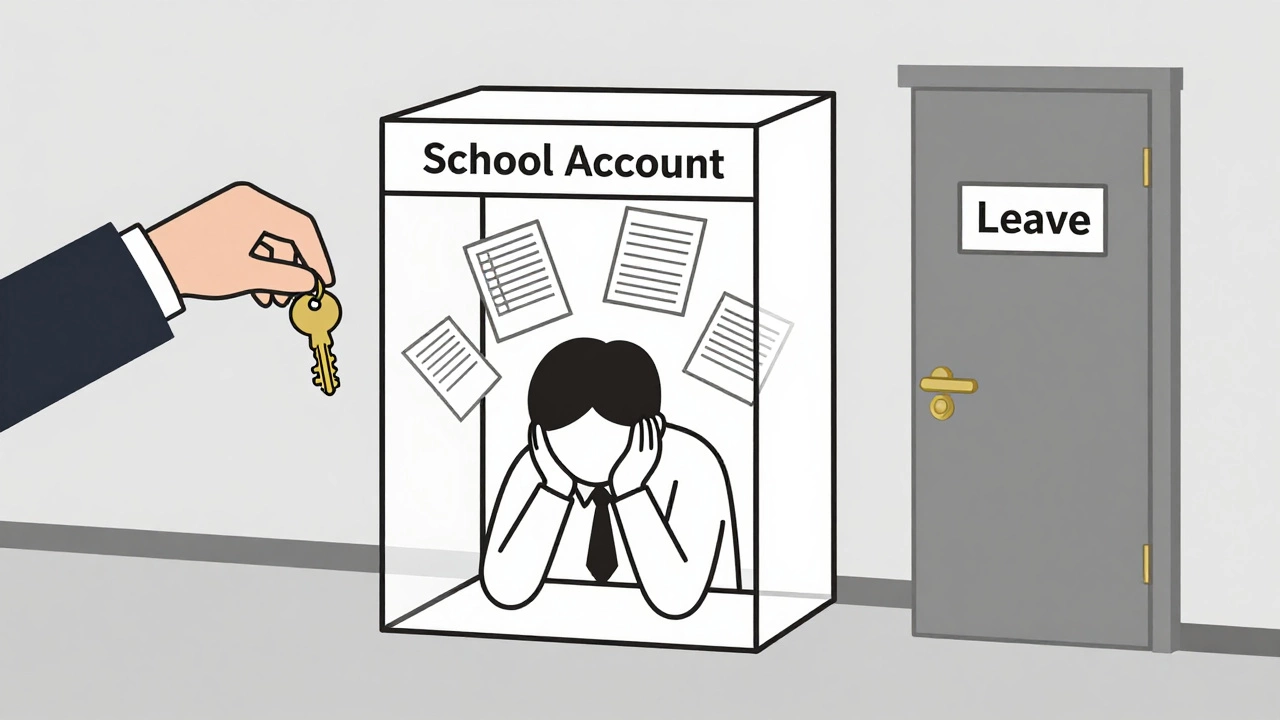
That means your child’s Google account isn’t personal. It’s a school account. And schools control what happens to it. If your school uses Google Workspace for Education, then your child’s account is tied to the school’s domain-like [email protected]. You can’t just log out and delete the account. The school owns it. And they’ve locked down the ability to leave classes because letting students drop out of classes would break their grading system, attendance logs, and compliance records.
Why schools won’t let you leave
Imagine a teacher spends weeks building a unit on climate change. Students submit essays, take quizzes, and participate in discussions-all inside Classroom. Now, halfway through the term, a student says, ‘I’m done. I’m leaving.’ What happens to their work? Who gets the grade? Does the school still have to report their progress to the state education board? Does the teacher lose data that’s part of their annual evaluation?
That’s why schools disable the ‘leave’ button. It’s not about control-it’s about accountability. In Australia, schools must follow the Australian Curriculum and report student progress to state education departments. Google Classroom is the central hub for that data. If students could leave classes at will, the system would collapse under incomplete records.
Even if you’re homeschooled or transferring schools, you can’t just delete your account or leave the class. You need the school’s admin to manually remove you. And most schools won’t do that unless you’ve officially enrolled elsewhere or completed the term.
What happens if you try to leave anyway?
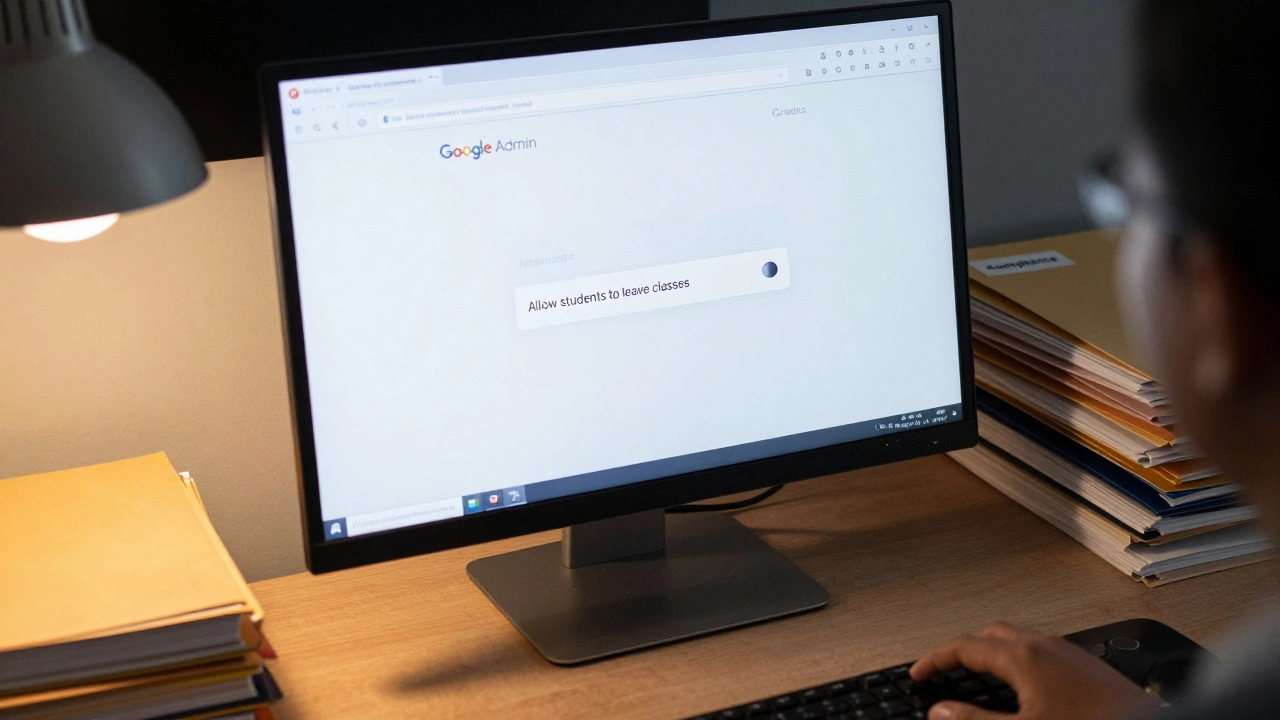
If you click ‘Leave class’ and see the message ‘You can’t leave this class,’ it’s because your school has turned off that option in the Google Admin Console. This setting is controlled by the school’s IT administrator-not by you, not by your parents, and not by the teacher.
There’s no workaround. You can’t use a different browser. You can’t log in from your phone. You can’t create a new Google account and join the class there. The system checks your school account against the class roster. If your email ends with the school’s domain, you’re locked in.
Some students try to ‘ghost’ the class-stop doing work, ignore notifications, and hope the teacher removes them. But that doesn’t work either. Teachers can see who’s inactive. And if you’re still enrolled, your name stays on the roster. You’ll still get end-of-term reports. You’ll still be counted in attendance. And if you’re in Year 11 or 12, incomplete classes can block your ATAR or VCE results.
How to actually leave Google Classroom
The only way to leave a Google Classroom class is to have the school’s administrator remove you. That means:
- Officially withdraw from the school or transfer to another one
- Complete the course and get a final grade
- Request removal through the school’s admin office or IT department
If you’re switching schools, your new school will usually request a transfer of your Google account. Your old school’s admin will then remove you from all classes and reassign your account to the new school’s domain. If you’re homeschooled, you’ll need to provide proof of enrollment in a recognized home education program and request removal from the school’s admin portal.
Parents often think they can just ‘delete’ their child’s account. But you can’t. The account belongs to the school. Even if you delete the account from your device, it still exists on Google’s servers under the school’s control.
What if you’re stuck in a class you never signed up for?
Sometimes, students find themselves in classes they don’t remember joining. That happens when schools bulk-enroll students at the start of the year. Maybe you were added to a subject you dropped. Or maybe you were added to a class for a student with a similar name.
In those cases, you still can’t leave on your own. But you can report it. Tell your teacher or the school’s IT team. They can check the enrollment logs and remove you if it was an error. Don’t wait. If you’re in a class you’re not supposed to be in, it could affect your report card, your timetable, or even your eligibility for exams.
Why this isn’t going away
Google Classroom isn’t unique in this. Microsoft Teams for Education, Canvas, and Moodle all have similar restrictions. Schools need centralized systems to meet legal, financial, and academic reporting rules. The days of students switching classes like they’re changing apps on their phone are over.
As education becomes more data-driven, these systems are getting tighter-not looser. Schools now use LMS data to predict student success, allocate funding, and meet government benchmarks. Letting students opt out of classes at will would make all of that impossible.
And it’s not just about grades. In Australia, schools must report attendance rates to the Department of Education. If a student is marked as enrolled but never logs in, the school can lose funding. That’s why administrators are under pressure to keep every student locked in until the term ends.
What you can do instead
If you’re unhappy with a class, don’t try to leave. Talk to your teacher. Ask for help. Request a change in assessment tasks. If you’re struggling, most schools have support systems-counsellors, learning mentors, or academic advisors-who can help you adjust without dropping out.
If you’re a parent and your child is overwhelmed, don’t panic. Reach out to the school’s student services team. They can often adjust workload, extend deadlines, or move your child to a different stream. Leaving the class isn’t the solution. Adjusting the experience is.
And if you’re transferring schools, start the process early. Don’t wait until the last week of term. Give your current school at least two weeks’ notice. That gives them time to process your exit and update their records without affecting your academic record.
Final thought: It’s not a bug. It’s a feature.
Google Classroom locking you in isn’t a design flaw. It’s a feature built to protect the integrity of the education system. Schools aren’t trying to trap you. They’re trying to make sure every student gets the support they need-and that no one falls through the cracks.
If you want freedom, you’ll find it after graduation. Until then, the system is designed to keep you connected, accountable, and supported-even when it feels like it’s holding you back.

Anirudh Vaidya
I am an education consultant specializing in the Indian education system, and I enjoy exploring innovative teaching methods. My passion is writing about educational reforms and developments happening in India, trying to bring awareness to global audiences. I regularly contribute to various educational journals and participate in conferences worldwide. I believe in lifelong learning and am always keen to exchange ideas with fellow educators.