eLearning Platform Selector
Answer a few quick questions to find the perfect eLearning platform for your goals.
What's your main learning goal?
What's your budget?
How much time can you commit?
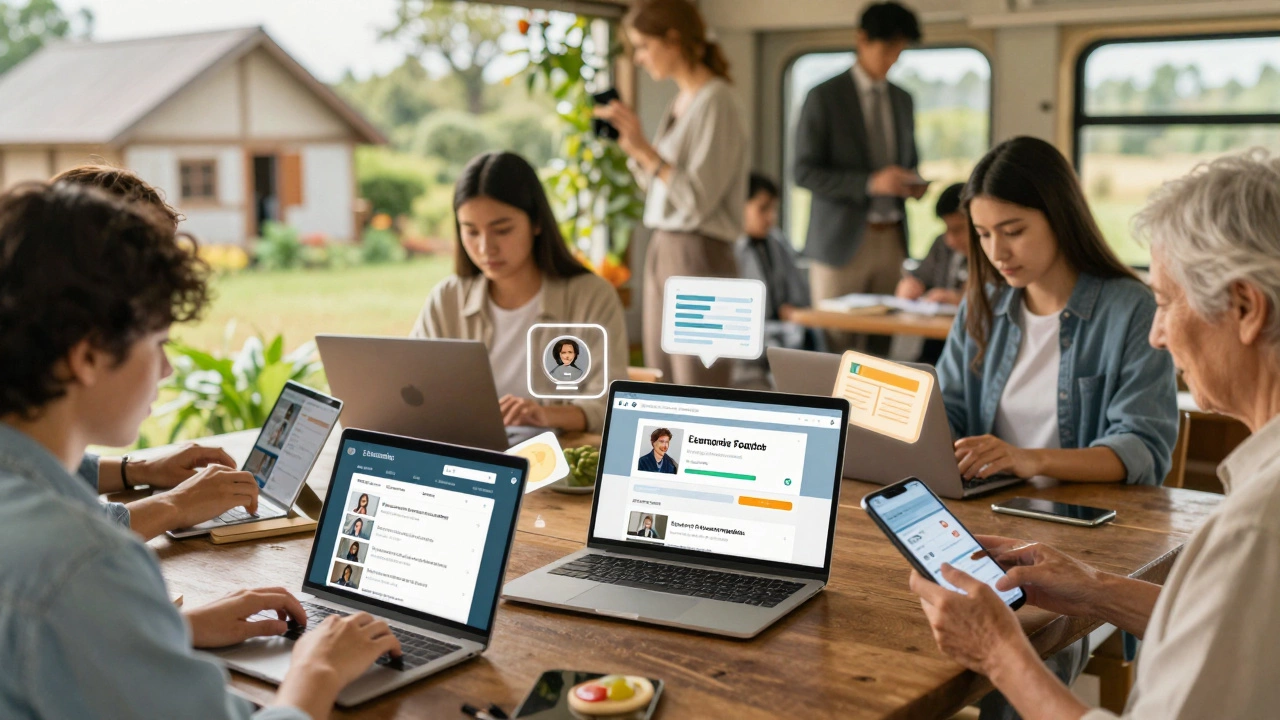
Think of an eLearning platform as your personal classroom that fits in your phone, tablet, or laptop. No need to commute. No fixed class times. Just open an app or website, and you’re in a lesson-whether it’s learning Python, brushing up on accounting, or preparing for a certification. These platforms aren’t just videos with a play button. They’re full ecosystems designed to teach, track, and support your progress.
What exactly does an eLearning platform do?
An eLearning platform is a digital system that delivers educational content over the internet. It lets instructors upload lessons, quizzes, assignments, and videos. For learners, it’s where you watch lectures, submit work, get feedback, and track your progress. Think of it like a mix between YouTube, Google Classroom, and a digital notebook-all rolled into one.
Platforms like Moodle, Canvas, and Teachable aren’t just hosting sites. They’re built to handle the whole learning cycle: enrollment, content delivery, assessment, communication, and reporting. Some even use AI to suggest next lessons based on how you’re doing. Others let you earn certificates you can share on LinkedIn.
How is it different from just watching YouTube videos?
YouTube is great for quick tips. But if you’re trying to learn a full skill-say, data analysis or project management-you need structure. That’s where eLearning platforms step in.
On YouTube, you’re on your own. You find a video, watch it, and hope the next one connects. On an eLearning platform, everything is organized. You get a syllabus. Deadlines. Progress bars. Discussion forums. Graded assignments. Instructors who respond to questions. And often, a community of other learners going through the same thing.
For example, if you’re taking a course on WordPress development on Udemy, you don’t just watch 10 videos. You build a real website as a project. You get feedback from peers. You take a final quiz. And when you finish, you download a certificate. That’s not something YouTube offers.
Who uses eLearning platforms?
Everyone. Students, professionals, stay-at-home parents, retirees. In 2025, over 1.2 billion people worldwide used some form of online learning platform. That’s more than the population of the entire European Union.
High schoolers in rural India use platforms like BYJU’S to prep for competitive exams. Nurses in Australia take refresher courses on Coursera to upgrade their skills. Corporate employees at companies like Amazon and Microsoft complete mandatory training through internal LMS systems. Even kids as young as 8 are learning coding on platforms like Scratch or Code.org.
It’s not just for formal education. Many people use these platforms to pick up hobbies-photography, cooking, guitar-or to switch careers. A former retail worker in Melbourne might use LinkedIn Learning to learn digital marketing and land a new job in six months.
What are the key features of a good eLearning platform?
Not all platforms are built the same. Here’s what makes one stand out:
- Course structure - Lessons are broken into short, digestible chunks. A 2-hour lecture becomes 10 five-minute videos.
- Interactive quizzes - You don’t just watch. You answer questions. Get instant feedback. Retake if you need to.
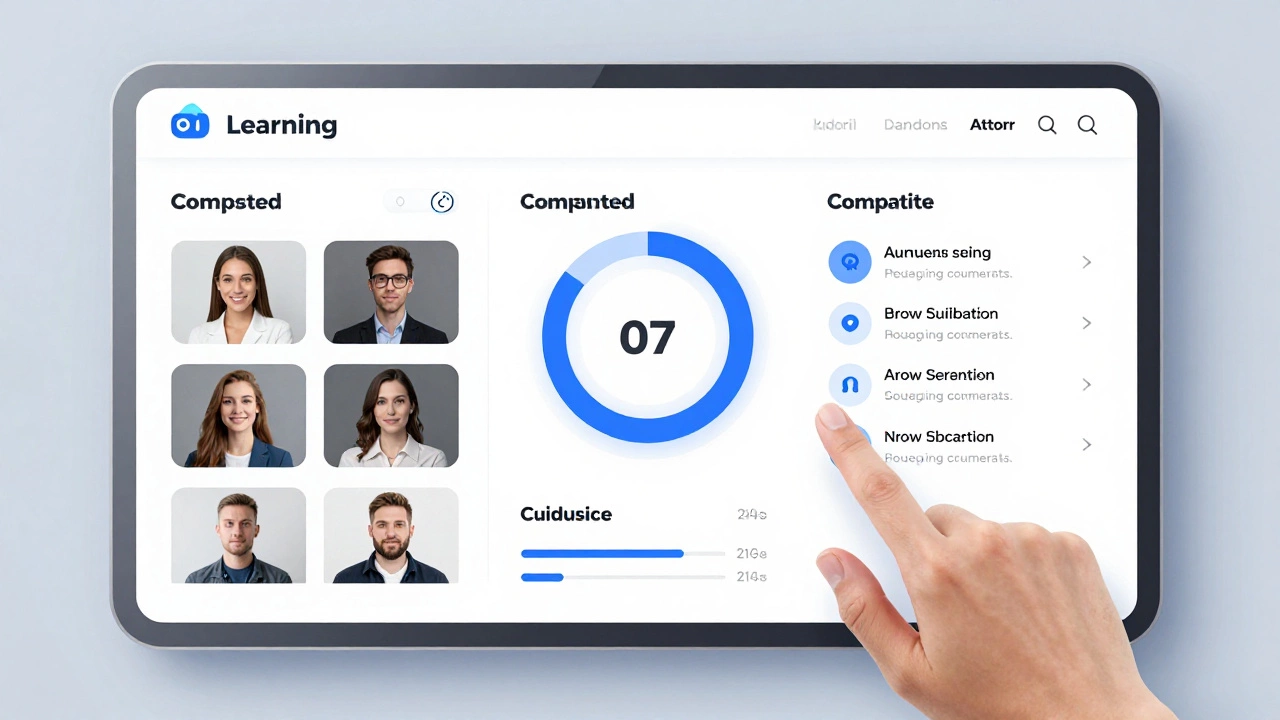
- Progress tracking - A dashboard shows you what you’ve completed, what’s due, and how you’re scoring.
- Mobile access - You can learn on your commute. Download videos for offline use.
- Discussion boards - Ask questions. Help others. Build a learning network.
- Certificates - Proof you finished. Useful for resumes and job applications.
- Accessibility - Closed captions, screen reader support, adjustable playback speed.
Platforms like Khan Academy and FutureLearn are free and open to all. Others like Skillshare or Pluralsight charge monthly fees. Some are built by universities (like edX) and offer accredited credits. Others are for businesses (like Cornerstone OnDemand) to train employees.
What types of content can you find?
Almost anything you can imagine:
- Video lectures with slides
- Interactive simulations (like coding in a browser)
- Downloadable PDFs and worksheets
- Live webinars with Q&A
- Peer-reviewed assignments
- AI-powered tutors that answer your questions in real time
- Gamified learning (earn badges, climb leaderboards)
For example, a course on financial literacy might include a budgeting spreadsheet you can download, a video explaining compound interest, a quiz on credit scores, and a discussion thread where people share their real-life money mistakes.
Even niche topics are covered. Want to learn how to restore vintage cameras? There’s a course for that. Interested in sustainable farming in arid climates? Someone taught it last month on Udemy.
How do you choose the right one?
Not every platform is right for every goal. Here’s how to pick:
- Define your goal - Are you learning for fun? A job? A certification? Your goal shapes what you need.
- Check the instructor - Look for real-world experience. A professor with 20 years in industry is better than someone with no background.
- Read reviews - Look for comments about course updates. Outdated content is a red flag.
- Try a free lesson - Most platforms let you preview the first module. See if the teaching style clicks.
- Look for support - Does the platform have active forums? Email help? Live chat?
For example, if you’re preparing for a Google certification, you’ll want a platform that offers practice exams and updated content aligned with Google’s latest exam objectives. If you’re learning Spanish for travel, you’ll want speaking practice and audio lessons.

What are the downsides?
It’s not perfect. Some people struggle with motivation. Without a physical classroom, it’s easy to procrastinate. Others find the lack of human interaction lonely. And not all certificates are valued by employers.
Also, quality varies wildly. Anyone can upload a course. Some are well-made. Others are just a phone video and a PowerPoint. That’s why checking reviews and instructor credentials matters.
And while most platforms work on phones, some require a desktop for coding exercises or complex simulations. Make sure your device can handle what’s needed.
What’s next for eLearning platforms?
By 2026, the global eLearning market is expected to hit $400 billion. That’s not just more courses-it’s smarter tools.
AI tutors are getting better. They can now detect when you’re stuck and offer hints before you even ask. Virtual reality is being used to simulate surgery training or warehouse safety drills. Platforms are starting to integrate with calendars, email, and even smartwatches to nudge you to study.
Some universities now offer full degrees online, accredited and recognized worldwide. Companies are replacing in-person training with digital onboarding. Even governments are using eLearning to train public workers faster and cheaper.
The future isn’t just about access. It’s about personalization. The platform learns your pace, your mistakes, your interests-and adapts.
Final thought: It’s not about the tech. It’s about the learning.
An eLearning platform won’t make you smart. You have to show up. Do the work. Stay consistent. But it removes the barriers. No more waiting for a class to start. No more traveling across town. No more feeling like you’re too old, too busy, or too far behind.
Whether you’re 16 or 65, whether you’re in a village in Bihar or a high-rise in Melbourne, the right eLearning platform gives you a shot. All you need is a device, a little time, and the will to keep going.
Is an eLearning platform the same as an LMS?
Not exactly. An LMS (Learning Management System) is the backend software that schools and companies use to run courses-think Moodle or Blackboard. An eLearning platform can be an LMS, but it can also be a consumer-facing site like Udemy or Khan Academy. All LMSs are eLearning platforms, but not all eLearning platforms are LMSs.
Are eLearning platforms free?
Some are. Khan Academy, OpenLearn, and MIT OpenCourseWare offer free content. Others like Coursera and Skillshare charge monthly fees. Many platforms let you audit courses for free but charge for certificates or graded assignments. Always check what’s included before signing up.
Can I earn a degree through an eLearning platform?
Yes. Universities like the University of London, Arizona State, and the University of Illinois offer fully online degrees through platforms like Coursera and edX. These are accredited, recognized degrees-you get the same diploma as on-campus students. Costs are often lower, and you can study while working.
Do employers take eLearning certificates seriously?
It depends. Certificates from well-known platforms like Coursera, edX, or Google Career Certificates are taken seriously, especially in tech, marketing, and data fields. Certificates from unknown providers or platforms with no credibility may not carry weight. Always check if the course is endorsed by a recognized institution or industry.
What’s the best eLearning platform for beginners?
For absolute beginners, Khan Academy is the most user-friendly. It’s free, has no sign-up pressure, and breaks down complex topics into simple videos. If you want structure and certificates, try Coursera’s "Learning How to Learn" course-it’s designed for people who’ve never taken an online class before.

Anirudh Vaidya
I am an education consultant specializing in the Indian education system, and I enjoy exploring innovative teaching methods. My passion is writing about educational reforms and developments happening in India, trying to bring awareness to global audiences. I regularly contribute to various educational journals and participate in conferences worldwide. I believe in lifelong learning and am always keen to exchange ideas with fellow educators.