
If you’ve ever looked at a screen full of code and thought, ‘I could never do that’, you’re not alone. But here’s the truth: coding isn’t magic. It’s a skill, like riding a bike or cooking pasta. And just like those, you don’t need to be born with it-you just need to start.
Start with a clear reason why
Before you open a code editor, ask yourself: Why do I want to learn to code? This isn’t just fluff. Your reason will keep you going when things get frustrating.Maybe you want to build your own website. Maybe you’re tired of waiting for developers to fix small bugs in your startup. Or maybe you just like solving puzzles. All of these are valid. But if you say, “I heard coding pays well,” without any real interest, you’ll burn out fast.
Real people who stick with coding usually have a project in mind. A personal website. A bot that sends them daily weather updates. A simple game they’ve always wanted to make. Pick something small. Something you care about. That’s your anchor.
Choose your first language-don’t overthink it
There are dozens of programming languages. Python, JavaScript, Java, C#, Ruby. It’s overwhelming. But here’s the secret: Python is the best starting point for most beginners.Why Python? It reads like plain English. You don’t need to remember complex symbols or semicolons everywhere. Want to print “Hello World”? Just type print("Hello World"). That’s it.
Python is used everywhere: websites (Instagram, Spotify), data analysis, AI, even space missions. Learning it opens doors. But if you’re dead set on building apps for phones or websites with fancy animations, then JavaScript is your next best bet. It runs in browsers, so you can see results instantly.
Don’t waste time comparing languages. Pick one. Start coding. Switch later if you need to. The first language is just your foot in the door.
Use free, hands-on platforms
Books and videos are helpful, but you won’t learn to code by watching. You learn by doing. And the best way to do that? Use free, interactive platforms.- freeCodeCamp - Teaches HTML, CSS, JavaScript with real projects. You build a calculator, a tribute page, even a drum machine. All in your browser.
- Codecademy - Interactive lessons. Type code, get instant feedback. Great for absolute beginners.
- Scrimba - Video lessons where you can pause and edit the code right in the video. Feels like having a tutor beside you.
- Replit - A full online code editor. No setup needed. Write code, run it, share it. Perfect for trying out ideas.
Don’t jump between them. Pick one. Finish one small project. Then move to the next. Progress beats perfection.
Build something tiny-right away
The biggest mistake beginners make? Waiting until they “know enough.” You’ll never feel ready. So build something stupidly simple, today.Here are three ideas to start with:
- A calculator that adds two numbers.
- A to-do list where you can add and delete tasks.
- A quiz that asks you 5 questions and tells you your score.
These sound boring? They are. And that’s the point. You’re not trying to build the next TikTok. You’re training your brain to think like a coder. Each tiny project teaches you how variables work, how loops run, how functions respond to input.
When you finish one, you’ll feel something you didn’t expect: pride. That’s your motivation fuel.
Learn to read error messages
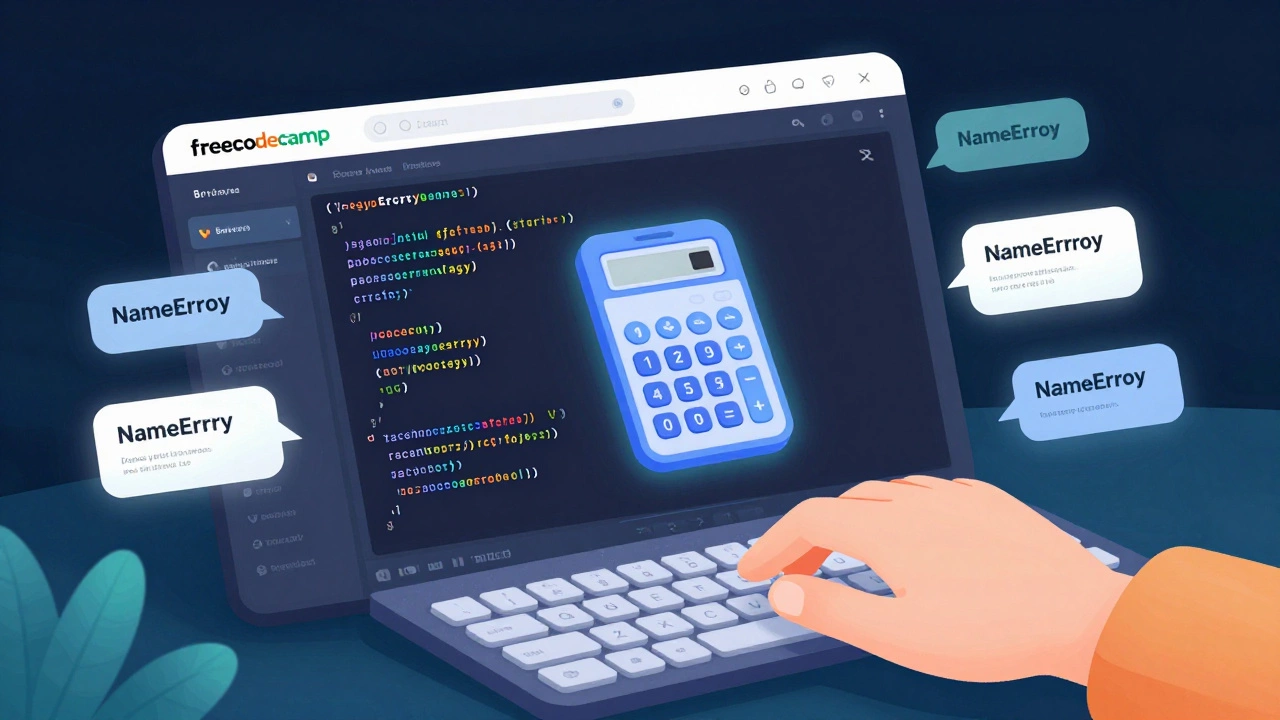
You’ll get errors. A lot of them. Red text, cryptic words, the whole thing crashing. It’s normal. It’s not you being bad-it’s part of the process.Here’s a real example: you type prnt("Hi") instead of print("Hi"). Python will say: NameError: name 'prnt' is not defined.
That’s not a punishment. That’s a clue. It’s telling you: “You meant print, right? You typed prnt. Fix it.”
Stop panicking. Read the error. Look at the line number. Google the exact message. You’ll be surprised how often the answer is already out there. Stack Overflow isn’t your enemy-it’s your co-pilot.
Don’t memorize. Learn to search
You don’t need to remember every function or syntax rule. No professional coder does. What matters is knowing how to find what you need.When you’re stuck, ask yourself: “What am I trying to do?” Then Google it. “How to add two numbers in Python.” “How to make a button in JavaScript.” “Python list append example.”
Copy the code. Run it. Break it. Change one thing. See what happens. That’s how you learn. Not by memorizing. By experimenting.
Join a community-even if it’s small
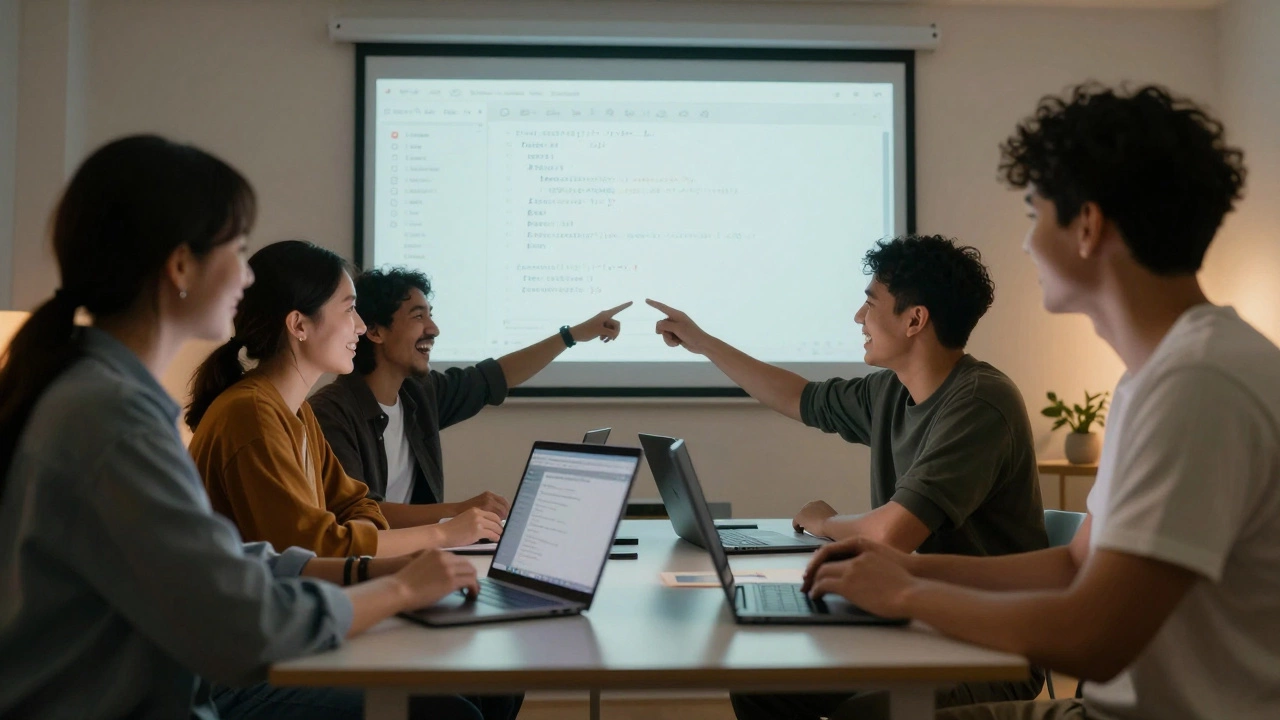
Coding alone is lonely. And loneliness kills motivation.Find a group. It doesn’t have to be big. A Discord server. A Reddit thread. A local meetup in Melbourne. Even a friend who’s also learning. Talk about what you built. Show your code. Ask for help.
When someone says, “I did this too!” or “Oh, I had that same error!”-it changes everything. You realize you’re not broken. You’re just learning.
Consistency beats intensity
You don’t need to code for 8 hours a day. You need to code for 20 minutes, every day.Think of it like brushing your teeth. One minute a day keeps the cavities away. Five minutes of coding a day keeps your brain sharp. Skip a day? No big deal. Skip a week? You’ll forget what you were doing.
Set a tiny goal: “I’ll code for 15 minutes after coffee every morning.” That’s it. No pressure. No guilt. Just show up.
What comes next? (And when to stop being a beginner)
After a few weeks, you’ll start to notice things:- You can read code and understand what it does.
- You can fix small bugs without Google.
- You’ve built three small projects from scratch.
That’s not beginner status anymore. That’s doing.
Now you can explore:
- Build a personal portfolio website (use HTML, CSS, JavaScript).
- Learn how to use GitHub to save and share your code.
- Try a free course on data analysis with Python (pandas, matplotlib).
- Or dive into web development with React or Django.
There’s no finish line. But you’ll know you’ve crossed the starting line when you look at a problem and think: “I can write code to solve this.”
Do I need a computer science degree to start coding?
No. Most people who work as developers today didn’t study computer science. They learned online, built projects, and got hired based on what they could do-not what diploma they had. You can learn everything you need for a job through free resources and hands-on practice.
How long does it take to learn coding as a beginner?
You can write your first working program in under an hour. To feel confident enough to apply for junior roles, most people need 3 to 6 months of consistent practice-about 10 to 15 hours a week. It’s not about speed. It’s about showing up daily.
What if I get stuck and can’t figure out the problem?
Everyone gets stuck-even experienced developers. The trick is to break the problem down. Ask: What exactly isn’t working? What did you expect to happen? What did happen? Write it down. Then search for that exact error. If you’re still stuck, post your code on a forum like Stack Overflow. Include the error message and what you’ve tried. People are usually happy to help.
Is coding only for smart people?
No. Coding isn’t about being smart. It’s about being patient, persistent, and willing to try again. The best coders aren’t geniuses-they’re the ones who didn’t give up after the third error. If you can follow a recipe or assemble furniture, you can learn to code.
Can I learn coding while working a full-time job?
Absolutely. Many people learn coding in the evenings or on weekends. You don’t need to quit your job. Just commit to 15-30 minutes a day. That’s less time than scrolling social media. Small steps add up. In six months, you’ll be amazed at how far you’ve come.
Final thought: You don’t need to be perfect. You just need to start.
The hardest part isn’t learning syntax or understanding loops. It’s pressing that first key. Opening the editor. Typing your first line of code.Don’t wait for the perfect time. Don’t wait until you’re “ready.” You’ll never feel ready. Start now. With what you have. With where you are.
One line today. One line tomorrow. Soon, you’ll look back and realize-you didn’t just learn to code. You became someone who solves problems with code. And that changes everything.

Anirudh Vaidya
I am an education consultant specializing in the Indian education system, and I enjoy exploring innovative teaching methods. My passion is writing about educational reforms and developments happening in India, trying to bring awareness to global audiences. I regularly contribute to various educational journals and participate in conferences worldwide. I believe in lifelong learning and am always keen to exchange ideas with fellow educators.