JavaScript for Beginners: Learn the Basics That Power the Web
When you visit any website that moves, responds, or updates without reloading, JavaScript, a programming language that brings websites to life by making them interactive. Also known as JS, it's the reason buttons click, forms validate, and videos play smoothly right in your browser. You don’t need a computer science degree to start. You just need to know what it does—and how to begin.
JavaScript isn’t just for fancy animations. It’s the backbone of modern web apps, from simple calculators to full online stores. It works alongside HTML (which structures content) and CSS (which styles it). Think of HTML as the skeleton, CSS as the skin, and JavaScript as the muscles that make everything move. Many beginners think they need to master all three at once, but you can start with JavaScript alone and build small, real projects—like a to-do list or a light switch—that actually work. That’s how confidence grows.
You’ll hear people say JavaScript is hard. But the real challenge isn’t the syntax—it’s learning how to think in steps. What happens when someone clicks? What if the input is empty? How do you make the page react? These are the questions JavaScript helps you answer. And the good news? There are free tools like CodePen, freeCodeCamp, and browser DevTools that let you test code instantly. No installs. No fees. Just open your browser and start.
Some beginners get stuck trying to learn frameworks like React or Vue before they understand the basics. That’s like trying to drive a race car before you know how to shift gears. Start with plain JavaScript: variables, functions, loops, and events. These are the building blocks. Once you get comfortable, frameworks will make sense. You’ll also see how JavaScript connects to real jobs—like front-end development, web design, and even mobile apps built with tools like React Native.
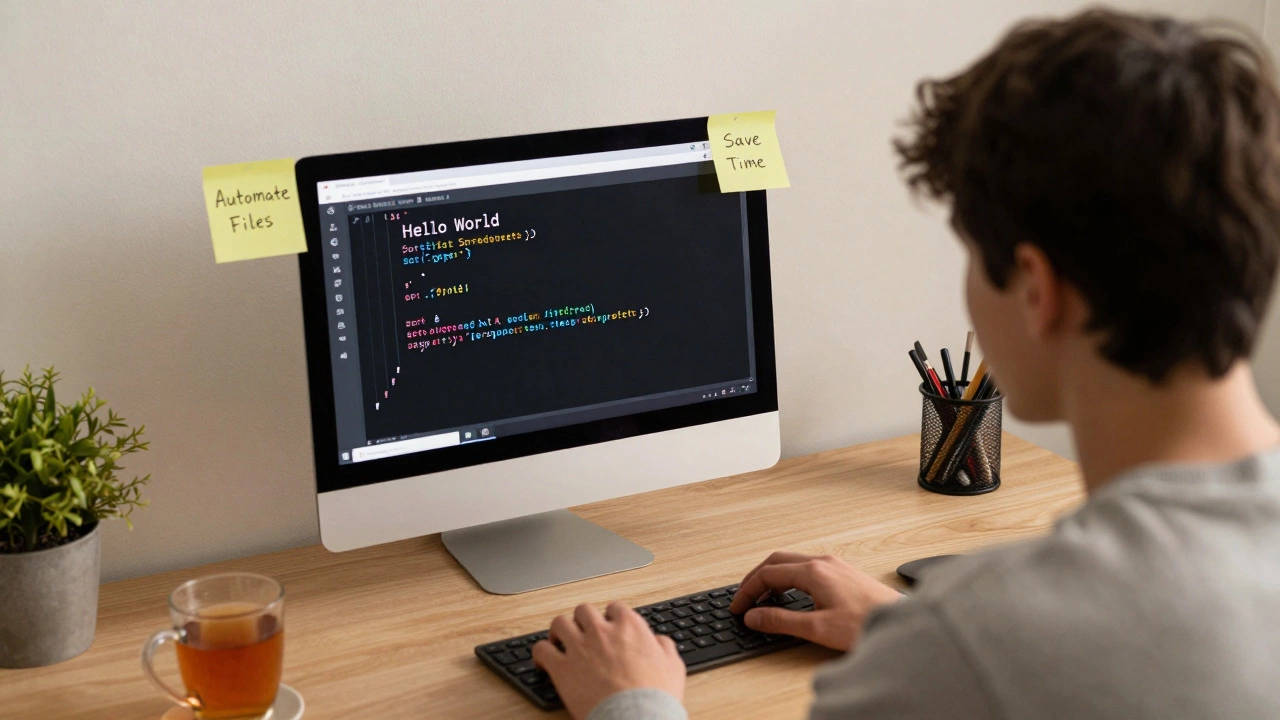
And if you’ve ever wondered whether coding is for you, JavaScript is the easiest way to find out. You can write your first line of code in five minutes and see results in the same window. No waiting. No setup headaches. Just you, your browser, and a problem to solve.
Below, you’ll find real guides from people who started exactly where you are—zero experience, no background, just curiosity. They learned how to debug, how to stay consistent, and how to turn small wins into real skills. Whether you want to build your own website, land a job, or just understand how the web works, these posts give you the exact path to follow. No theory. No fluff. Just what works.
Which coding language should I learn first? A practical guide for beginners
Choosing your first coding language doesn't have to be overwhelming. Learn why Python and JavaScript are the top choices for beginners, what to build with each, and how to avoid common mistakes that stop people before they even begin.
read more